In this super existing post, we will learn How to edit DNS records of the particular domain in CWP panel
CWP web hosting panel used to easily manage lots of services here we will discuss DNS records editing. Here you have to change your DNS records by following these steps-
Step1- Open CWP panel
Spep2- Open DNS function
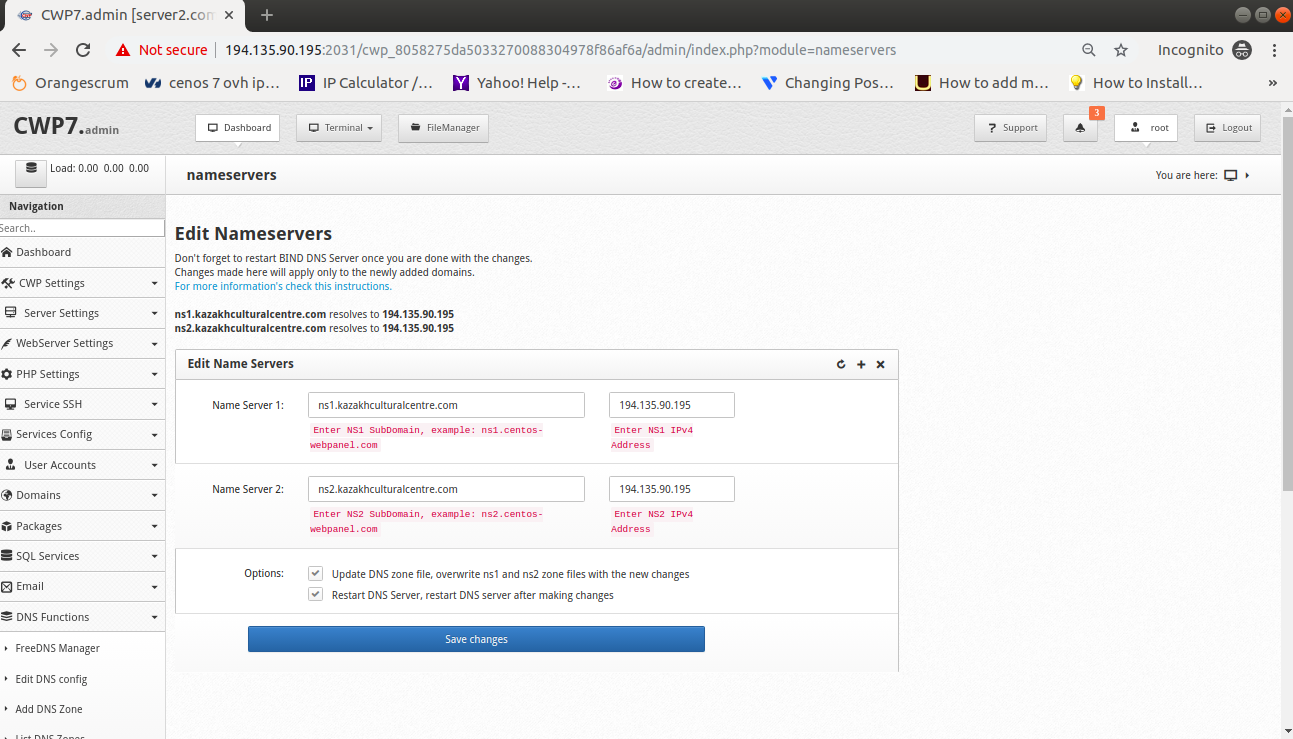
Step3- Edit name server
Step4- Edit DNS zone file
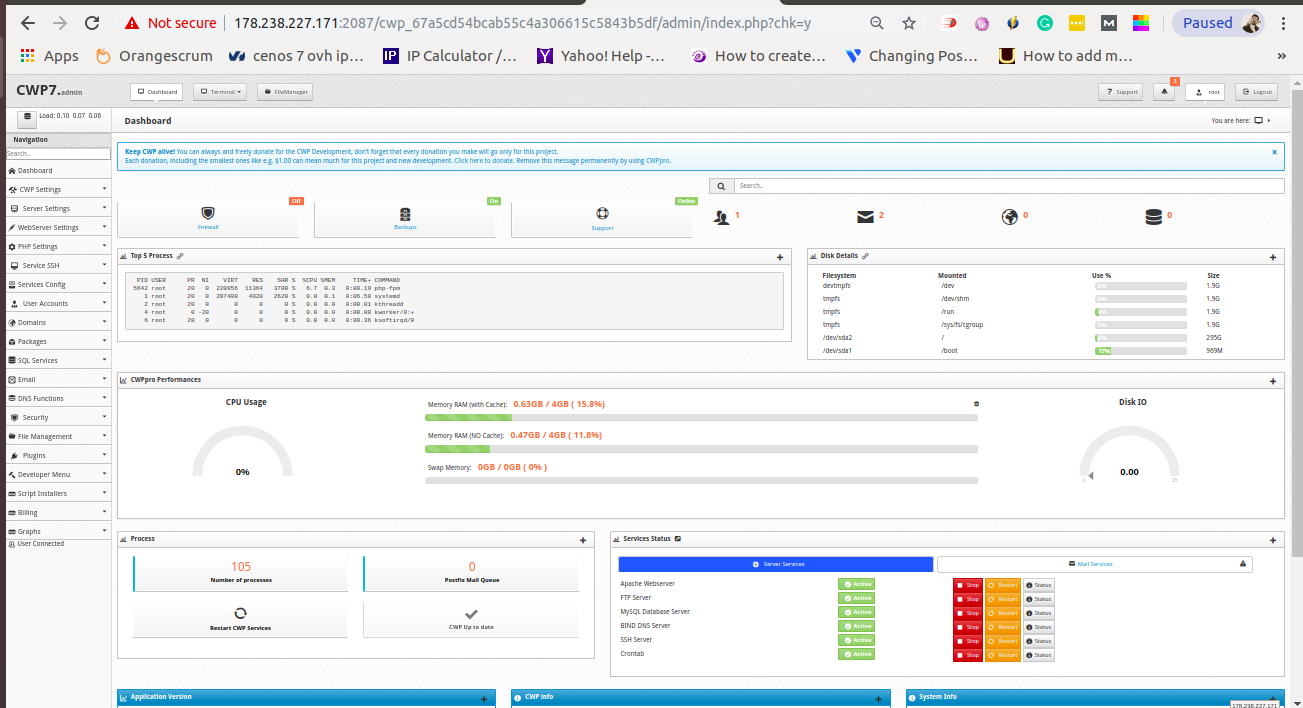 Now go to the open DNS functions option for further work and open edit name_server
After changing your name_server_record also have to change that record from the DNS zone file by click on the List DNS zone option
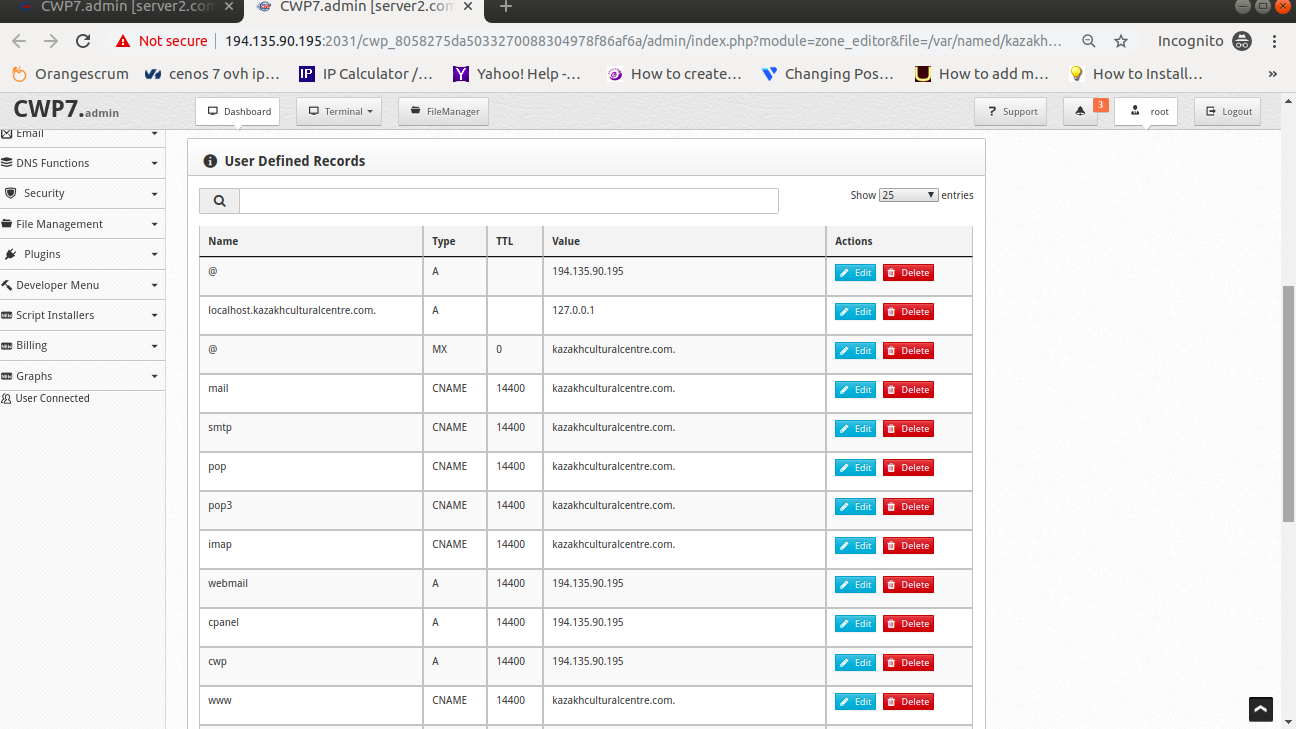
Here you can edit
DNS records as your requirement and then
save them. You
successfully complete your task to change your different records.
For checking your DNS records are updated or not goto check by following tools-
http://intodns.com/
http://mxtoolbox.com/
http://dnswatch.com/