page-banner-shape-1
page-banner-shape-2

How to add FTP user in Plesk panel

  • Tanuj Chugh
  • August 17, 2020
Add FTP User in Plesk

How to add FTP user in Plesk panel

In this post, we will talk about How to add FTP user to the Plesk panel

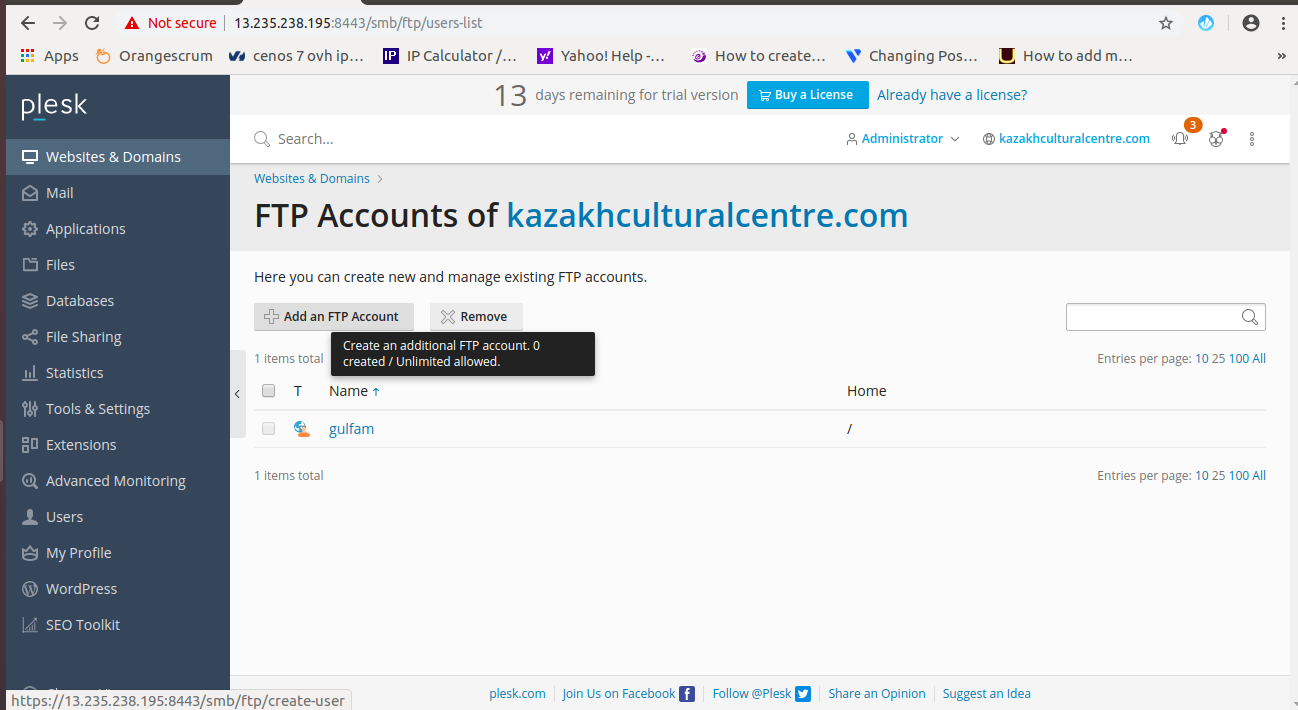
In this tutorial, I will show you how to create an FTP user. FTP (file transfer protocol) which used to access files remotely here you can upload, delete or modify files.

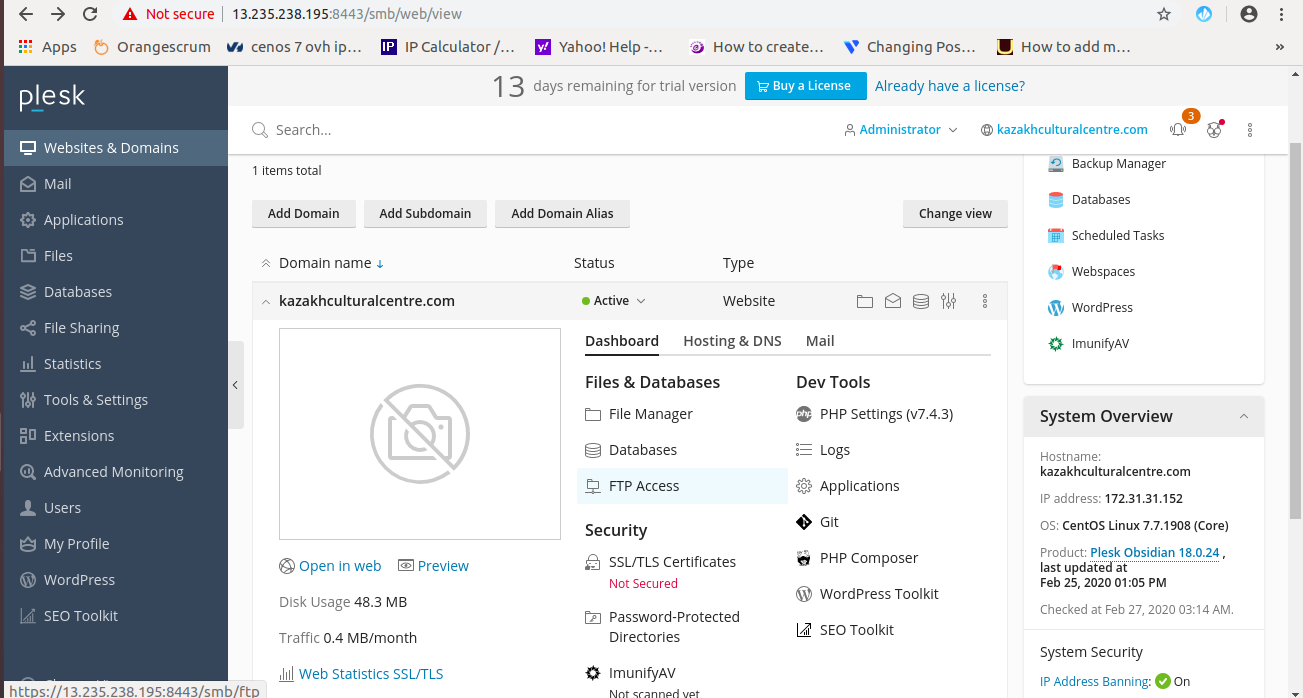
Let’s start to create an FTP user in Plesk panel Websites & Domain –> FTP Access
Next move to add FTP user in Plesk panel
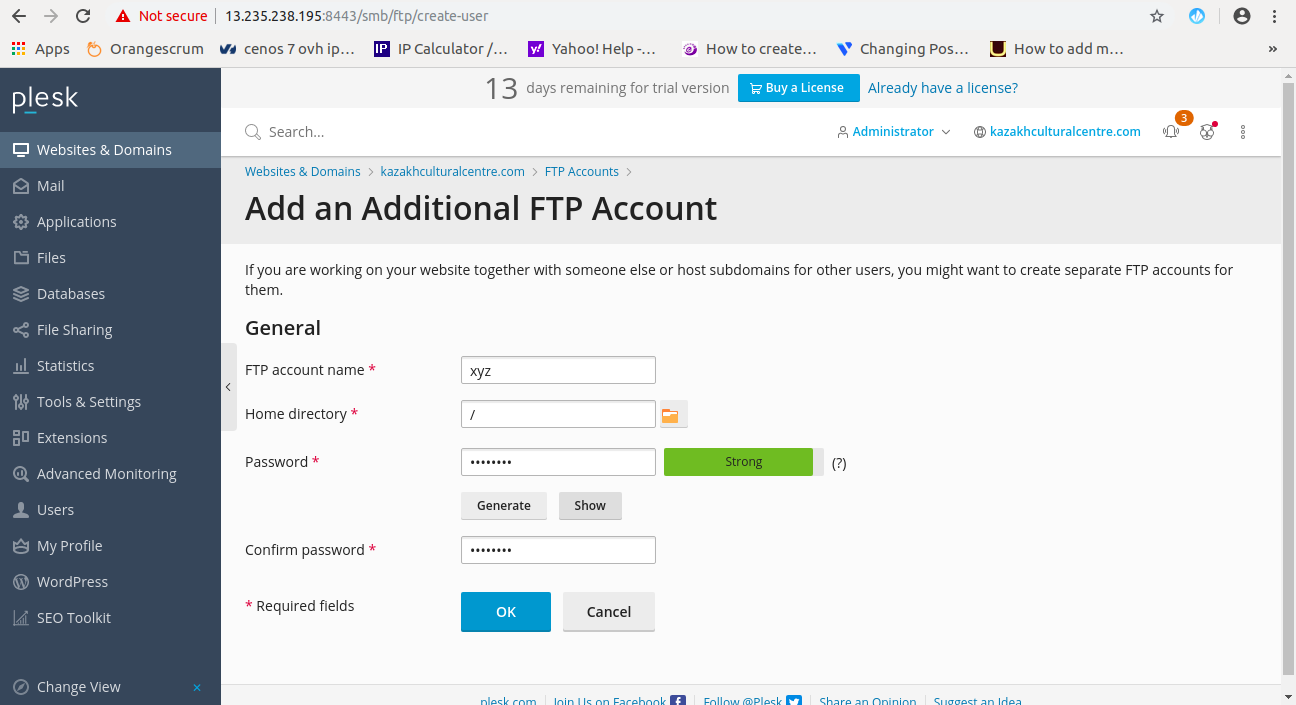
Now here you have to fill in details like user name, password, and home directory access.
You add successfully an FTP user in the Plesk panel.

Tanuj Chugh

He is the CEO and Founder with over a decade of experience in cloud infrastructure, DevOps, and server optimization. With a strong vision and hands-on leadership approach, he has built scalable, secure, and high-performance cloud solutions trusted by businesses across industries.

https://cloudminister.com/
Call Now Button