
How to set PHP version and PHPMyAdmin in Plesk panel
Here today we go to set PHP version and PHPMyAdmin in the Plesk panel. So let’s start today task
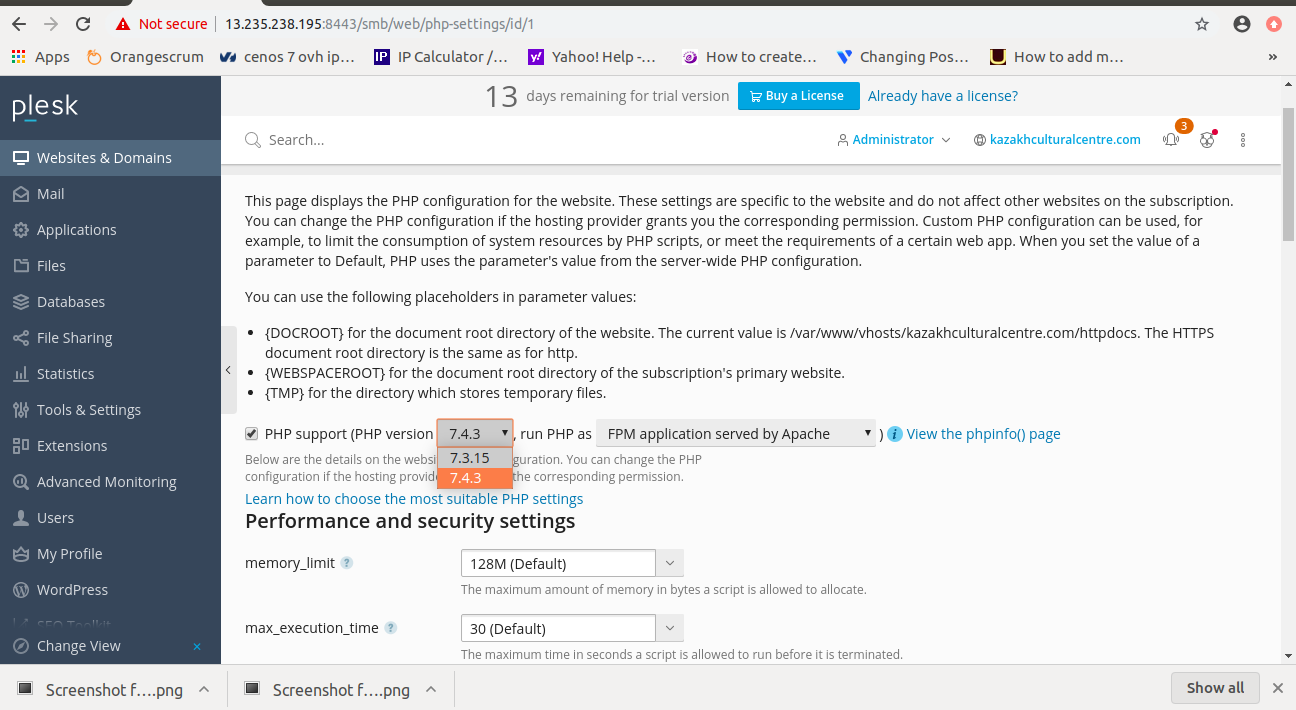
Go and click on Website & Domain –> Php settings

Here in PHP settings, you can change your PHP version as well as lots of settings to change in PHP like memory_limit, upload_max_size, max_execution_time, etc.
Next, we move towards PHPMyAdmin just click on the database –> phpmyadmin
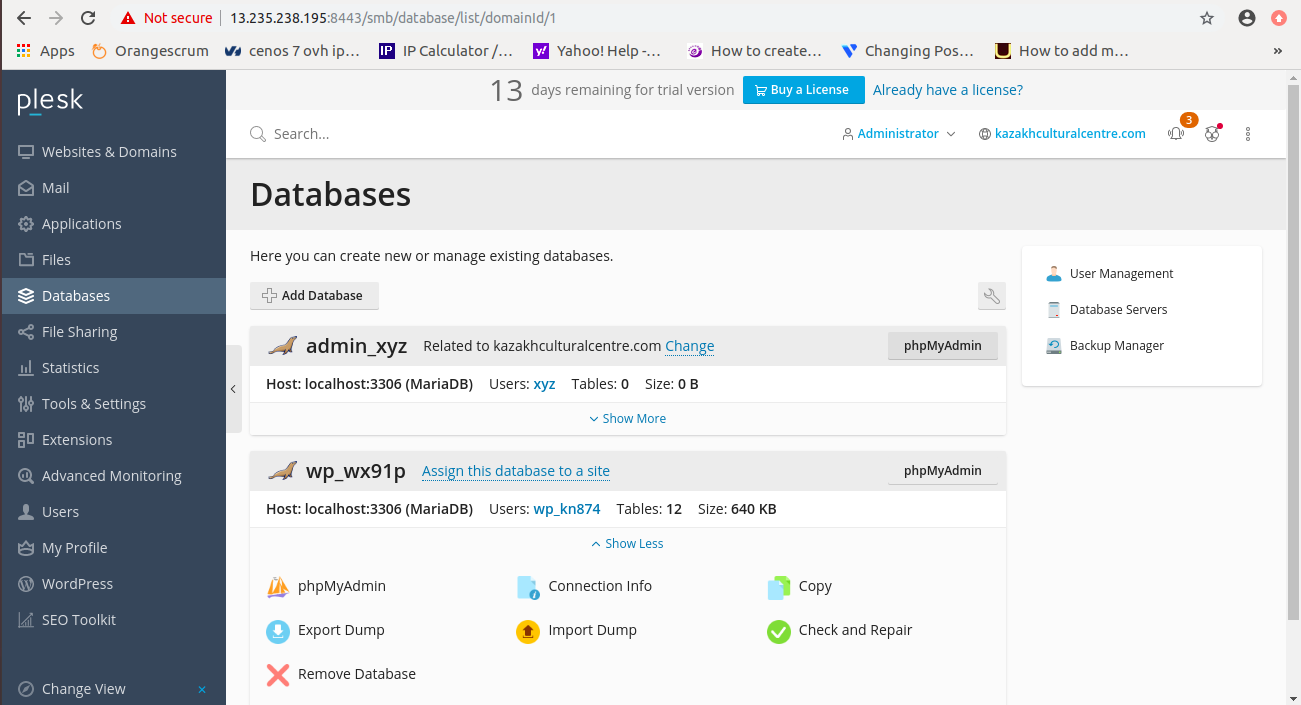
Now click on Phpmyadmin and here able to access PHPMyAdmin.
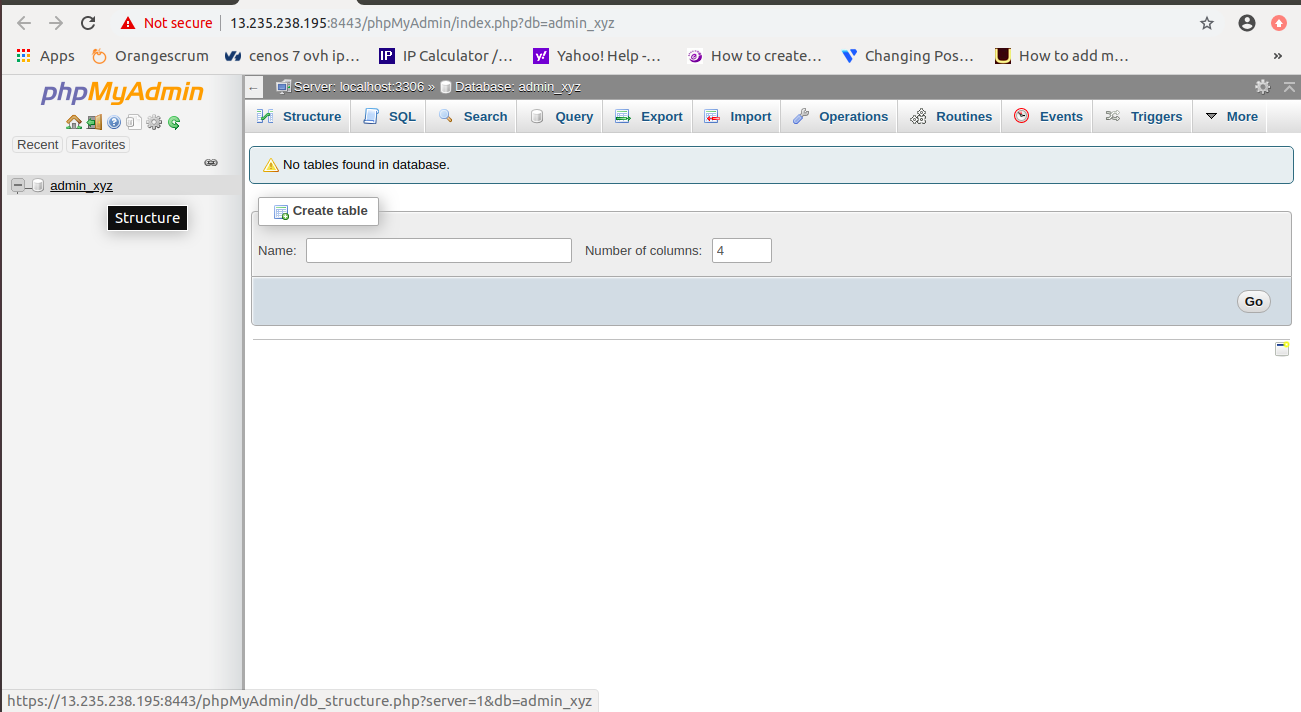
Here we successfully finished today’s task.

He is the CEO and Founder with over a decade of experience in cloud infrastructure, DevOps, and server optimization. With a strong vision and hands-on leadership approach, he has built scalable, secure, and high-performance cloud solutions trusted by businesses across industries.